Free Webinar: Illustrator Graphic Styles for Workflow Magic
— This webinar is now closed —
To view our upcoming webinars and events, visit CreativePro.com/events
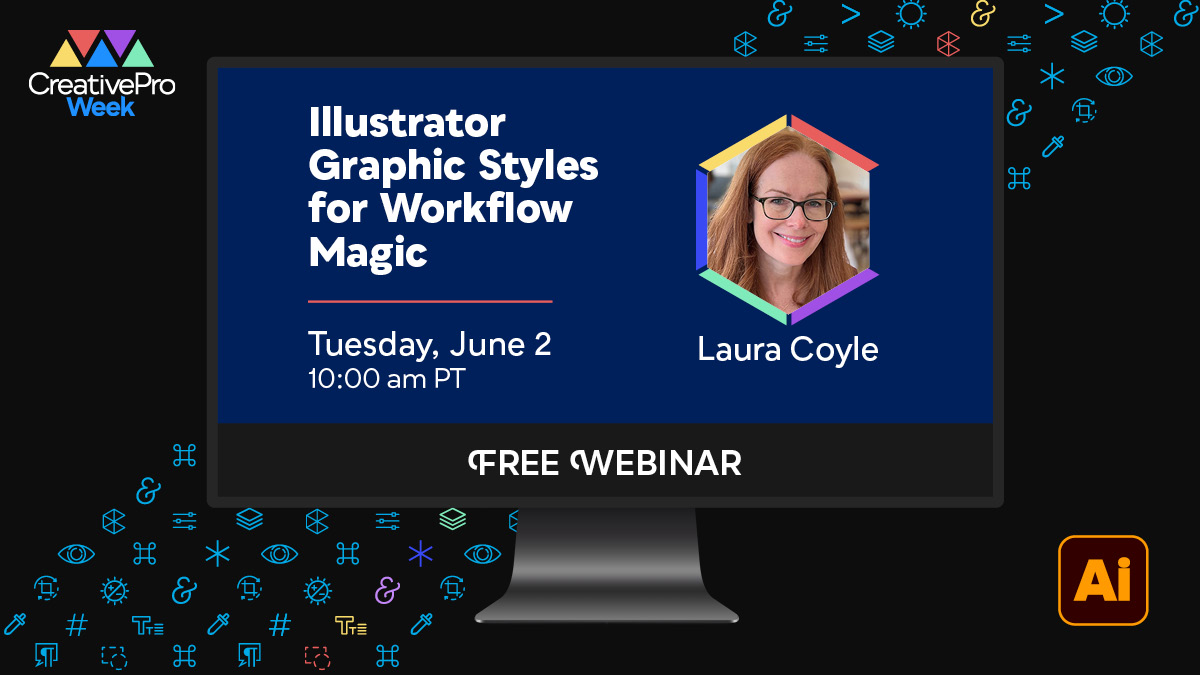
Repeating styling tasks in Illustrator can be a waste of time. Fortunately, with a little bit of Illustrator magic, they can be handled for you. Join us for a free 1-hour webinar on Tuesday, June 2 at 10 am Pacific to explore one of Illustrator’s most powerful and overlooked features: Graphic Styles. In this replay of a highly rated CreativePro Week session, Laura Coyle shows you how to build your own styles, apply them across your artwork, and make global updates without reworking every object. You’ll discover practical workflows, smart shortcuts, and creative techniques you can use right away. You’ll learn:
- Apply complex styling instantly by building Graphic Styles from fills, strokes, and effects
- Update your entire document in seconds with fast, global artwork changes
- Save time on future projects by creating reusable, scalable custom styles
- Keep your artwork consistent by avoiding broken style links, and fixing them when they occur
- Add and layer effects without rework using additive styles that preserve existing appearances
- Format type correctly and consistently using object-level appearances instead of manual overrides
Chat with attendees and experts throughout the session, and then bring your questions to our live follow-up Q&A with Laura. Plus, you’ll receive a special discount code for $100 off* CreativePro Week 2026, being held in Nashville June 29–July 3. Can’t watch the webinar live? After it concludes, we’ll send a link to watch the recording on demand to everyone who signs up, available until June 26. *Discount codes cannot be combined
About Our Speaker
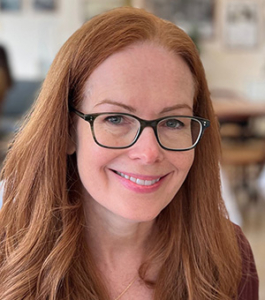
Laura Coyle is an Adobe Community Expert, illustrator, and educator who is passionate about teaching Adobe Illustrator to creatives at all levels. Based in Atlanta, Georgia, she has nearly 30 years of experience illustrating for major brands including Target, Hallmark, Hasbro, Amazon, Disney, and Papyrus. Through that work, she has developed a deep understanding of how artists and designers think and create. As Illustrator continues to evolve, Laura focuses on helping designers build skills through clear, well-paced instruction. She teaches through her online community, Laura Coyle Courses, where students receive regular updates, exercises, and thoughtful answers to their questions, supporting steady learning and creative growth. She also develops training content for The Textile Design Lab and Astute Graphics. Laura shares Illustrator tips and tutorials on her YouTube channel and is a regular speaker at CreativePro Week and Adobe MAX, where she’s known for engaging sessions that help designers and illustrators connect new techniques to everyday Illustrator workflows.
About CreativePro Week 2026
June 29–July 3, 2026, Nashville, TN
CreativePro Week is the world’s best how-to conference for creative professionals who design, create, or edit in InDesign, Photoshop, Illustrator, Acrobat, and PowerPoint. No matter your skill level, you’ll learn techniques and best practices you can start using immediately to improve your productivity. Our industry is changing faster than ever, and new products and techniques emerge every day. CreativePro Week helps keep you ahead of the curve and ensures you continue your professional development. Featuring over 35 expert speakers and 70 sessions, CreativePro Week offers five days of in-depth training and inspiration, all in one place. If you can sign up for only one event in 2026, it should be CreativePro Week.

