Conference Schedule
CreativePro Week consists of five days of conference sessions. You may attend the sessions for the days you register, with one year of on-demand access to rewatch session recordings whenever and wherever you want.
CreativePro Week 2026 will be held June 29–July 3, 2026 in vibrant Nashville, TN, at the JW Marriott.
Prefer to attend from home? You can still join us online with an At-Home Pass.
Breakfast & Lunches
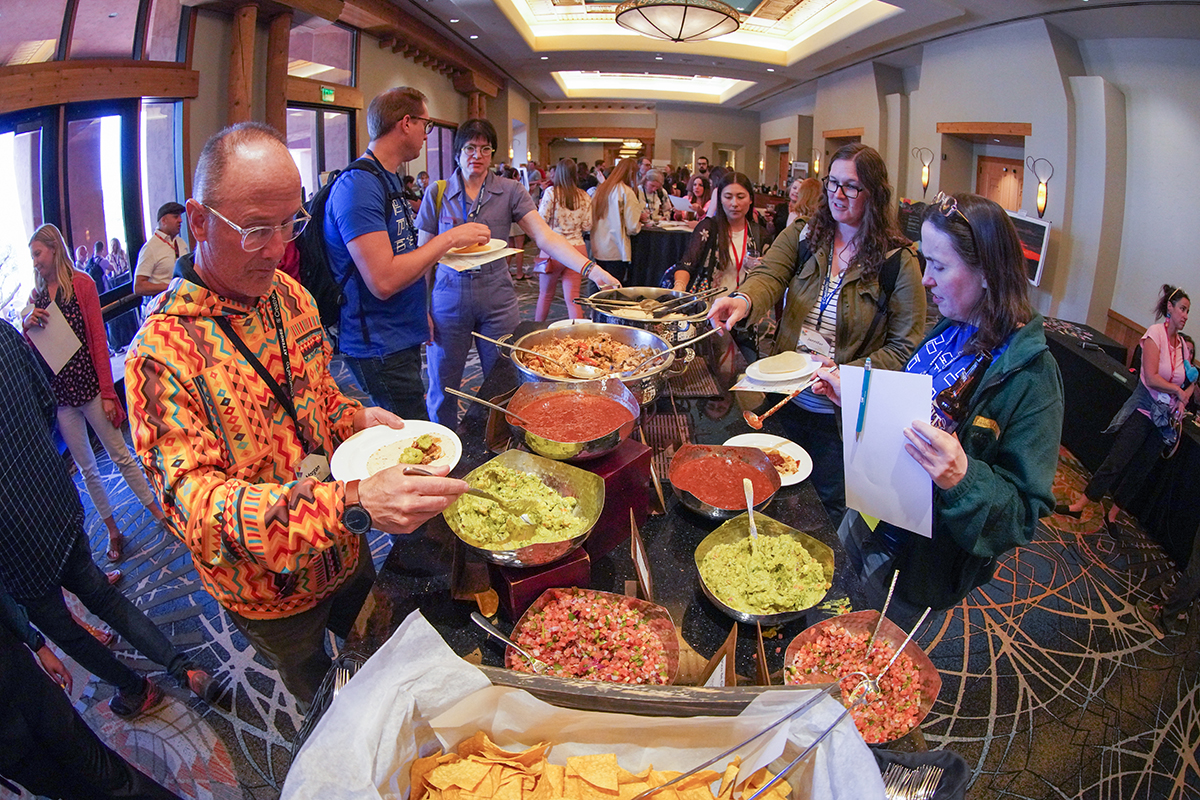
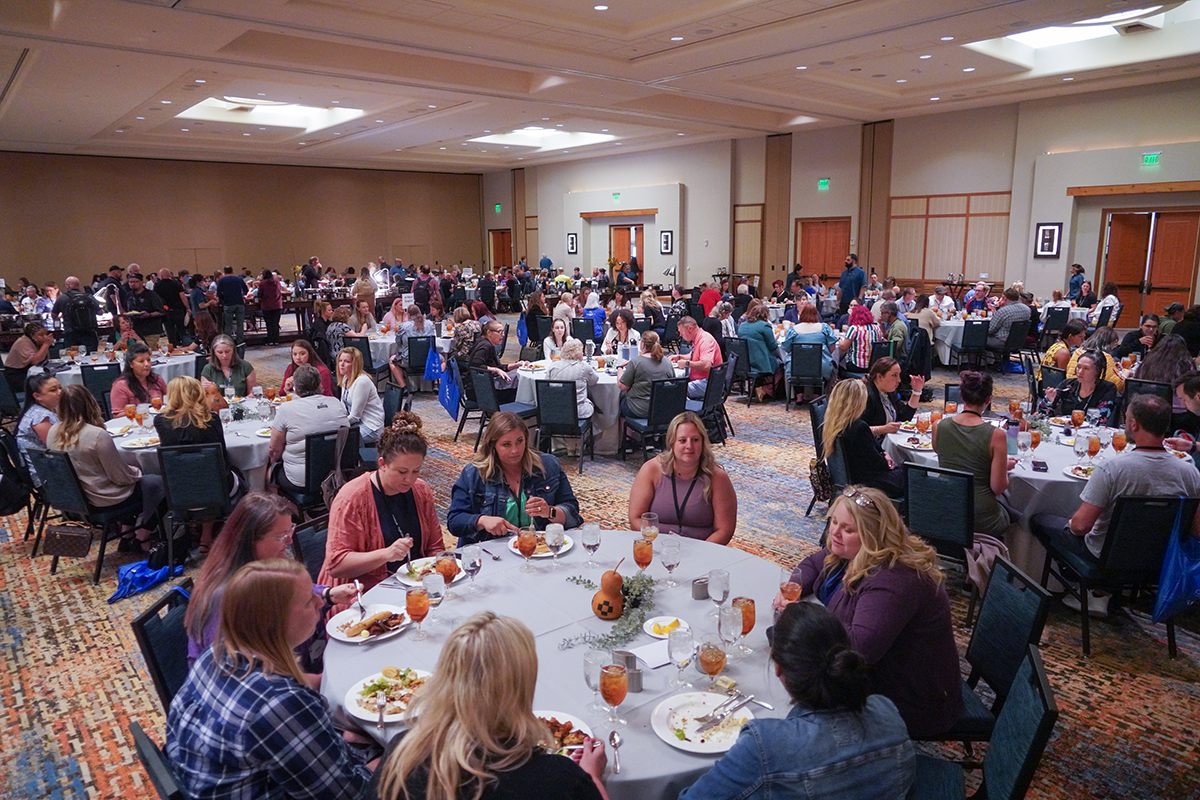
In-Person passes include complimentary breakfasts and lunches for the days your pass covers.
Breakfast is from 8:00 – 9:30 a.m. are held daily in the Symphony Ballroom,
Lunch is from 12:15 – 1:30 p.m. in the Symphony Ballroom.
These meals offer a great opportunity to interact with fellow attendees, speakers, and solution providers.
Maker Mornings in the Camp CreativePro Arts & Crafts Room
Join us daily in the Camp CreativePro Arts & Crafts room for guided art projects from 8:30 – 9:30 AM
Kick off your day in the art room for some hands-on creative fun!
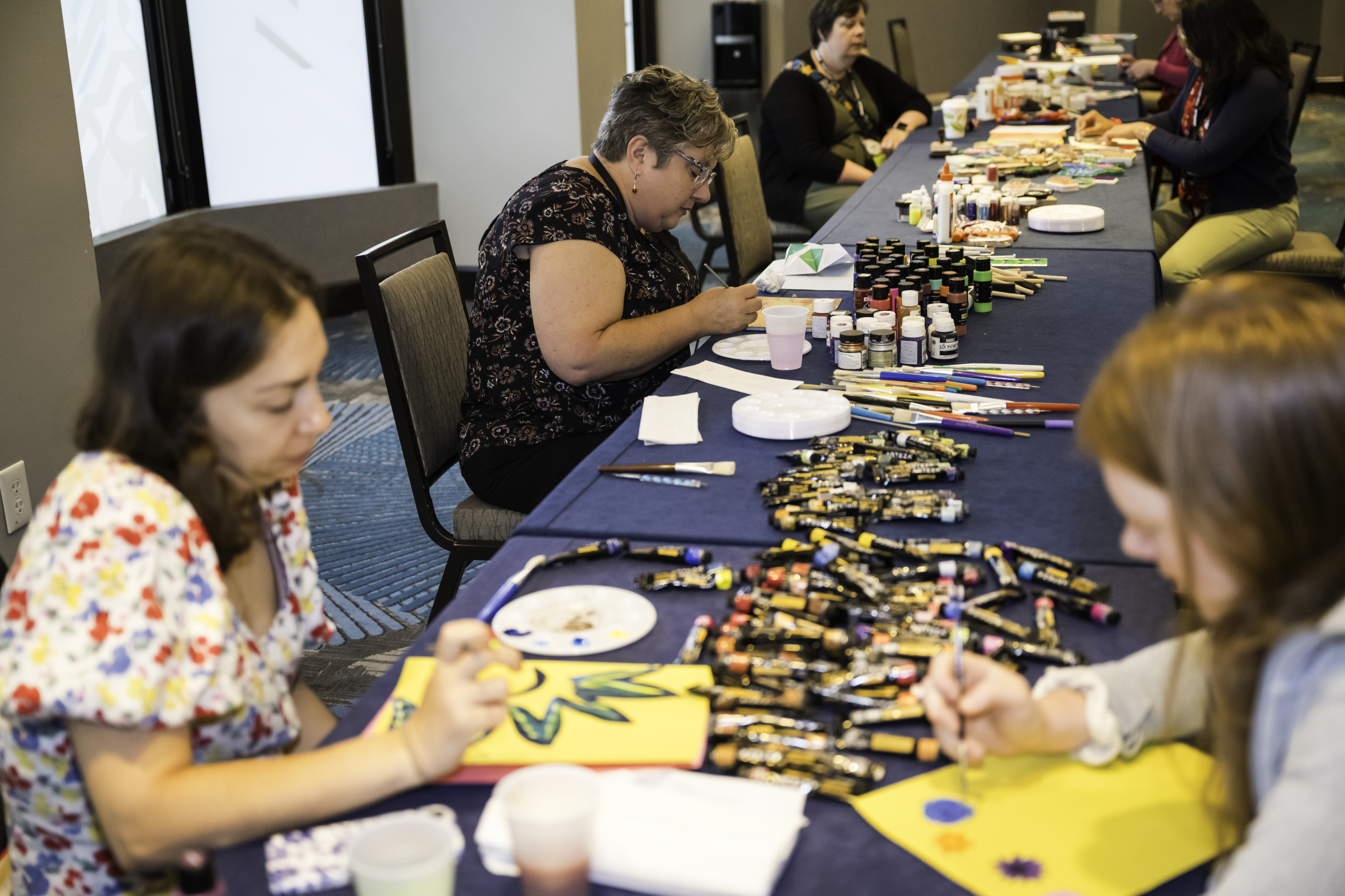
Photo Walks
Coming soon!
Evening Activites
The sessions are done, and it’s time to have some fun! Join us for our special evening activities:
Monday, June 29: Welcome Reception 2026
5:00 pm – 6:30 pm in the event lobby
Join us for drinks, nibbles, and a fun opportunity to meet the speakers and your fellow attendees!
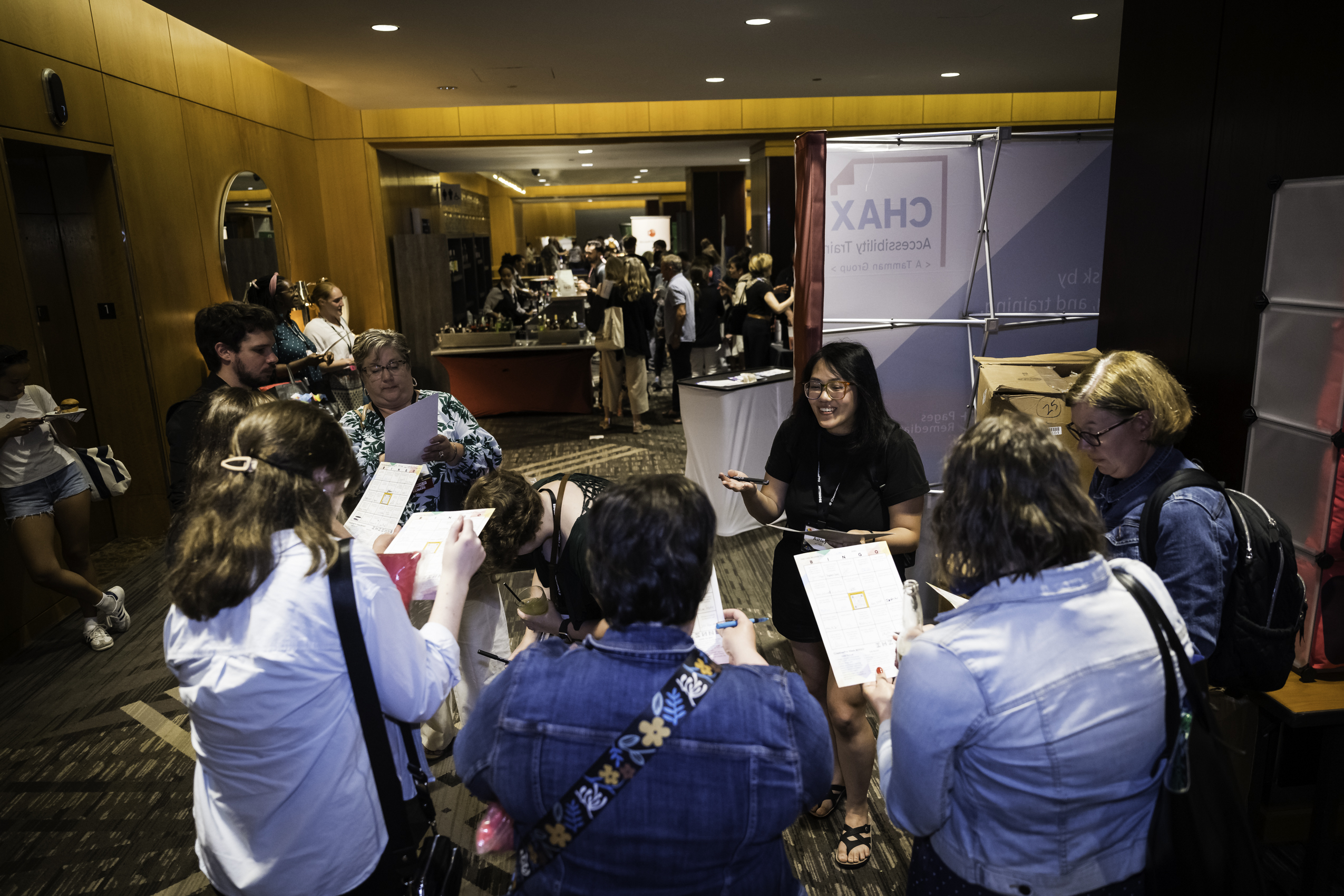
More events to be announced soon!
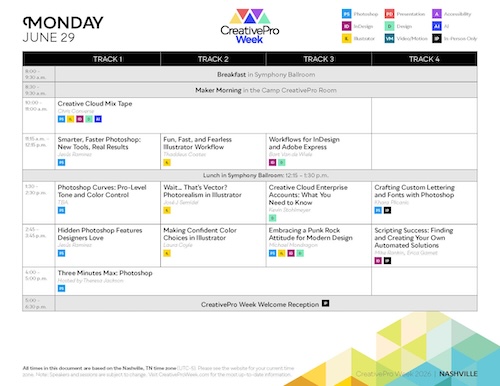
Monday, June 29th, 2026
Creative Cloud Mix Tape
Chris Converse
Smarter, Faster Photoshop: New Tools, Real Results
Jesús Ramirez
Fun, Fast, and Fearless Illustrator Workflow
Thaddeus Coates
Workflows for InDesign and Adobe Express
Bart Van de Wiele
Photoshop Curves: Pro-Level Tone and Color Control
Ben Willmore
Wait… That’s Vector? Photorealism in Illustrator
José J Semidei
Creative Cloud Enterprise Accounts: What You Need to Know
Kevin Stohlmeyer
Crafting Custom Lettering and Fonts with Photoshop
Khara Plicanic
Hidden Photoshop Features Designers Love
Jesús Ramirez
Making Confident Color Choices in Illustrator
Laura Coyle
Embracing a Punk Rock Attitude for Modern Design
Michael Mondragon
Three Minutes Max: Photoshop
Theresa Jackson
Tuesday, June 30th, 2026
The Power of Print: Amplifying Your Marketing Impact
Vicki Strull
Beyond Compositing: Creative Workflows Powered by AI
Rob de Winter
Illustrator for InDesign Users: You’ve Got This
Tony Harmer
Creative Cloud Tips and Tricks to Boost Productivity
Melissa Piccone
Step by Step: Building an Animated Brand System
Chris Converse
Photoshop and Illustrator: Playing Nice Together
Nigel French
Illustrator Power Techniques
Laura Coyle
I Didn’t Know Acrobat Could Do That!
Bart Van de Wiele
Practical Use Cases for Firefly Boards
Kevin Stohlmeyer
Mastering Masking in Lightroom & Camera Raw
Ben Willmore
Automation Tips in InDesign: Work Smarter, Not Harder
Laurie Ruhlin
Maintaining Brand Consistency
Nicte Cuevas
Three Minutes Max: Illustrator
Khara Plicanic
Wednesday, July 1st, 2026
Document Accessibility Starts with InDesign
Chad Chelius
InDesign’s Top Ten Type Tips and Tricks
Nigel French
PowerPoint’s Vector Toolkit: Built for Designers
Nolan Haims
Adobe Bridge: Practical, Hands-On Workflows
Melissa Piccone
Smart Color Decisions for Accessible Design
Dax Castro
InDesign Styles: Beyond Text Formatting and Into Design
Julie Shaffer
Cinematic Presentations: Creating Dynamic, Immersive Content
Richard Goring
Reinventing Yourself Through Digital Collage
Guillermo Flores Pacheco
Accessible PDFs: Mastering the Tags Tree
Chad Chelius
After Effects for Graphic Designers
Rob de Winter
The Human Touch: Hands-On Creativity for Digital Designers
Khara Plicanic
Three Minutes Max: InDesign
David Blatner
Thursday, July 2nd, 2026
From Brief to Finished: The Process Behind the Project
Guillermo Flores Pacheco
Writing Alt Text Without Overthinking It
Dax Castro
No Fear Premiere for Designers
Amanda Dalton
Vibe Building with AI for Creatives
Mark Heaps
Serious Animation for Seriously Fun Presentations
Jole Simmons
AI in Design: Helpful, Overrated, or Both?
Michael Flarup
PowerPoint: Your Swiss Army Design Tool
Amanda Dalton
Mind-Blowing Presentations with PowerPoint—Really!
Richard Goring
From Paper to Possibility
Nolan Haims
Three Minutes Max: AI
Theresa Jackson
Friday, July 3rd, 2026
Creative Leadership in the Age of AI
Vincent Wanga
Business Skills for Confident Designers
Michael Flarup
Microsoft Word for Designers: Text Fundamentals
Jennifer Parkinson
Adobe or Affinity? Why Not Both?
Mike Rankin
AI Roundtable Discussion
Theresa Jackson
Easy Text Clean Up with GREP in Find/Change
Erica Gamet
You’ve Got This: Designer’s Easy Guide to Motion
Kyle Hamrick
Transforming Wordy Slides into Clear Visual Stories
Mike Parkinson
Microsoft Word for Designers: Layout Fundamentals
Jennifer Parkinson
Why Your Print File Failed (and How to Fix It)
Amybeth Menendez
Closing Session
David Blatner
*Notes:
- Speakers and sessions are subject to change. Please check our site frequently to find the most up-to-date information.
- The day and date listed on this page may not be accurate in all time zones. Please check each individual session for an accurate day-and-date based on your time zone.
Download Our 2026 Brochure
Download our 2026 Why Attend PDF brochure to see why CreativePro Week needs to be in your plans now!
Keep Me Informed
Be first to find the latest news delivered in your inbox.