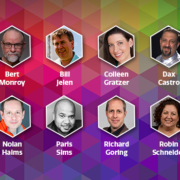

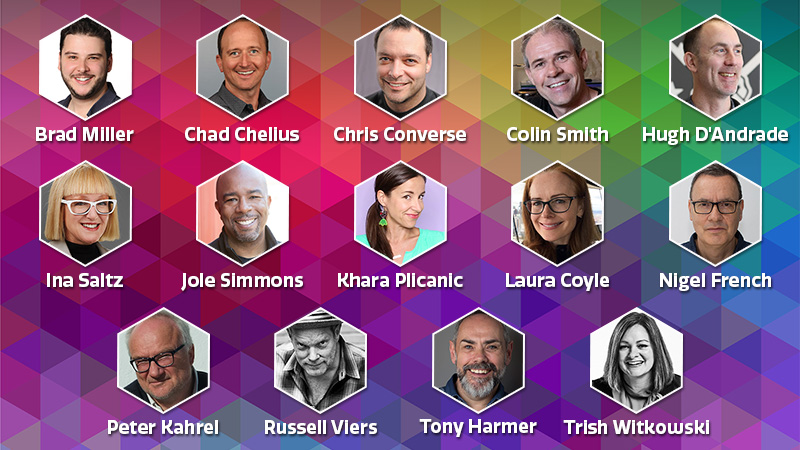
We’re thrilled to announce 14 additional speakers have been confirmed to join us at CreativePro Week: An Online Event, May 17–21. These world-class experts will teach you how to get the most out of the tools you use every day.
Here’s just a taste of what these experts will be covering at this year’s event:
In addition to 100+ sessions taking place at CreativePro Week 2021, you’ll receive in-depth session handouts and access to watch and rewatch session recordings on-demand for a full year, whenever or wherever you like.
Three Minutes Max is a fun—and competitive—session at our annual CreativePro Week conference. Here’s how it works: speakers have three minutes to wow the audience with their best Photoshop, PowerPoint, InDesign, or Illustrator power moves, and attendees vote on which expert’s tip is the best.
For more sessions like this, join us May 17–21, 2021 at CreativePro Week: An Online Event. With Early Bird pricing ending this Friday, March 19, here’s a taste of what you’ll learn at this year’s event:
Erica Gamet quickly runs down how to style the different layouts, make editorial changes, and export to both print and digital versions.
Lisa Carney shows off a technique to give you an easy way to create multiple color versions of products. Best of all, there’s no need to mask anything!
Von Glitschka shows off a quick way to make vector art look a little less clean. He adds grunge using bitmapped artwork then converts it to vectors to create a more organic—and screenprinter-ready—design.
Nolan Haims shows off a quick tip on creating flexible and adjustable paragraph rules in PowerPoint. This rule can sit to the side, above, or below text, and can size and move with the text frame it’s associated with.
And don’t forget — Early Bird pricing ends Friday, March 19. Register now to save up to 20%.